Preserve the Memory of Your Loved Ones
Professional photo restoration, retouching and animation powered by modern AI technology


Drag the slider to compare
- Ready in 1–3 minutes
- Works with torn and faded photos
- Try it for free
Our Services
Choose a service — upload a photo — get the result
Processing Tools
Additional tools for your photos


How It Works
Just 3 simple steps
- 1
Step 1. Upload a photo
Select a photo from your device or drag and drop it into the upload area
- 2
Step 2. Pay
Secure card payment. Free restoration & retouching once every … days
- 3
Step 3. Get the result
AI processes your photo in 1–3 minutes. Download the finished result
Frequently Asked Questions
Restoration and retouching are free once every … days. Paid orders start from … cr. for restoration, … cr. for a memorial portrait, and … cr. for photo animation.
Restoration and retouching take 1–3 minutes. Animation (video creation) takes 3–5 minutes. The result appears on screen automatically.
Yes! The AI handles old black-and-white, worn and damaged photos excellently. It restores details, removes scratches and stains.
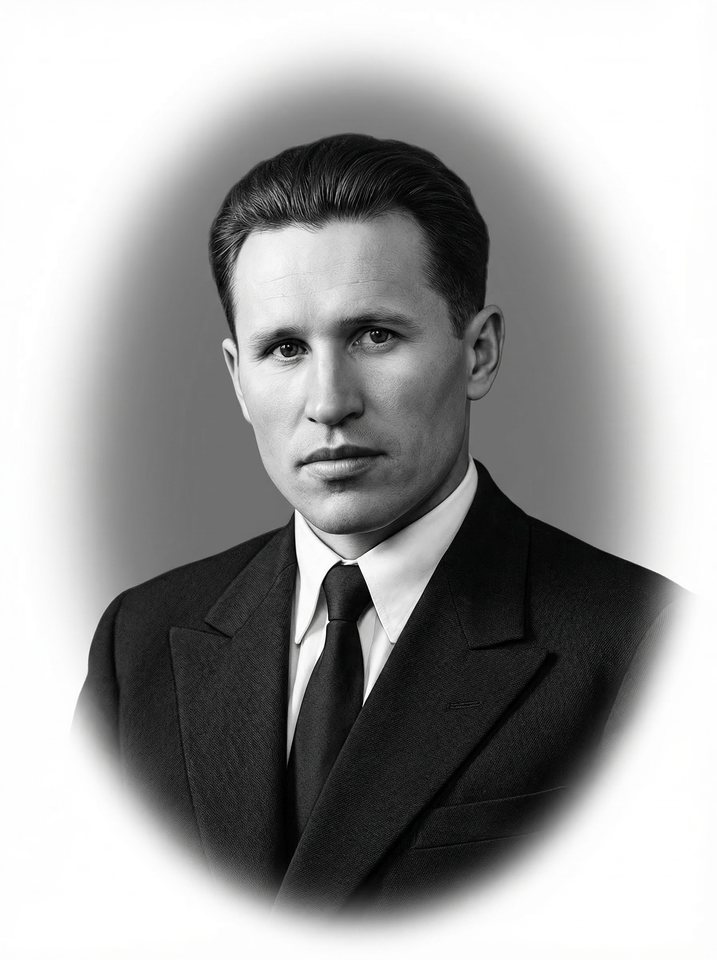
Yes. Upload a photo, choose a processing style (oval, engraving, background, clothing), and receive a high-quality portrait for a memorial.
JPG, PNG and WebP. Maximum file size is … MB. We recommend uploading photos at the highest available quality.
It creates a short video (~… seconds) from a photograph. The AI animates the face — the person slightly turns their head, blinks, smiles. It looks very natural.
Give an old photo a second life
Upload a photo — the result will be ready in a few minutes